A simple question. Three people needed to answer it.
Imagine a supplier working with businesses that have several branches. Someone in purchasing asks about an order date, finance requests a document and a branch employee asks to change the delivery address. Every message goes to one account manager, even though each concerns a different part of the same order.
The account manager can answer, but first needs to look up information and ask the delivery team. The customer waits not because the situation is difficult, but because the information they need is on the other side of a phone call. The portal should remove that dependency without transferring the whole team’s work to the customer.
What holds up the work?
Starting point

Available data that makes little sense
An internal status such as “stage 4” does not tell a customer what is happening with their order. Displaying raw ERP data is not, in itself, good service.
A document visible to the wrong person
Purchasing, finance and branch staff all work within one organisation. A shared account makes it harder to control access and establish who approved a change.
A message without context
A request to “change the delivery” identifies neither the order nor the required change. The team starts by asking questions the portal could already have answered.
The design begins with the questions customers ask most often
We organise the first version around a few tasks: checking an order, downloading a document, raising a query and finding a contact person. Every view explains what is known, what is missing and whether the customer needs to do anything.
Data comes from an agreed source, and statuses show when they were updated. If an integration is temporarily unavailable, the portal says so clearly. It does not turn old information into a promise about a current delivery date.
What the new workflow could look like
Invite the right people
An account belongs to a specific person and organisation. We establish who can invite colleagues and which orders, branches and documents each role may access.
Explain the situation in the customer’s language
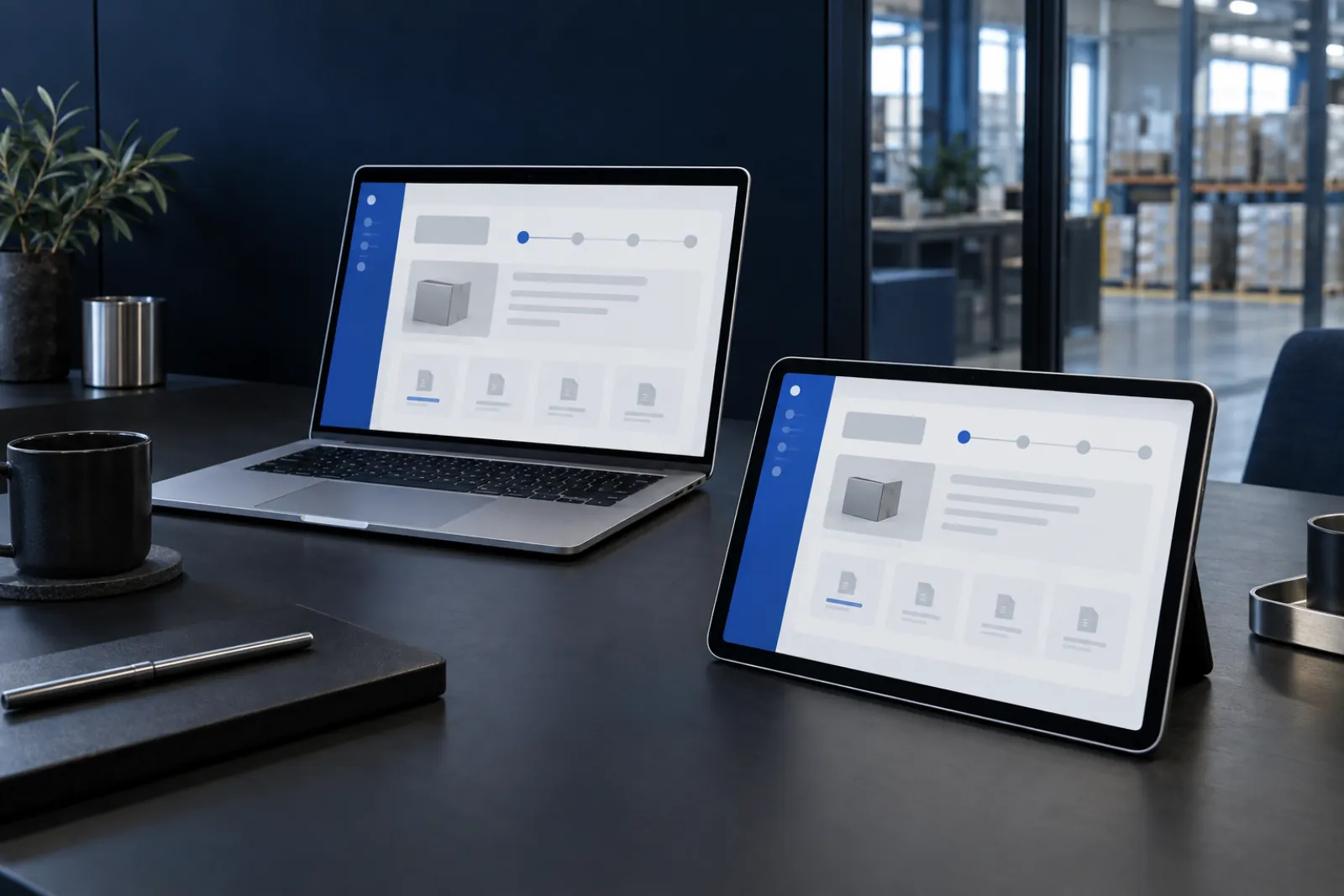
The order list shows a recognisable reference, stage, date and next action. The detail view distinguishes planned dates from confirmed ones and provides a history of changes.
Keep the document with the order
Documents have a type, date and version. Customers download the right file from the relevant order rather than searching a general folder or asking their account manager to send it again.
Send the question with its full context
A request includes the related order and a subject. The internal queue shows its owner, while the customer sees an acknowledgement and subsequent replies in the same thread.
Access is a set of business rules, not just a login screen
Two people using the same portal should not automatically see the same data. We define boundaries between organisations, branches and roles, and enforce permissions on the server as well. Inviting a new user and removing access when someone leaves the company are proper parts of the process, not tasks to handle outside the system.
- Purchasing staff can view their organisation’s orders.
- Finance can access billing documents without permission to change deliveries.
- The customer’s administrator manages users only within the agreed scope.
Self-service must not lead to a dead end
A customer may need an urgent conversation, or may be unable to find a document because the order has not yet synchronised. Empty views should therefore explain the possible reason and offer a next step. Notifications concern meaningful changes rather than every technical operation. On a phone, the key tasks remain available without scrolling across a wide table.
Let us start with one part that works.
The first stage can be a read-only portal for a selected group of customers: orders, statuses and documents, plus a request form. This lets us check data quality and interface clarity before allowing order changes, individual price lists or self-service ordering. A pilot needs an internal owner and an agreed group of users.
How will we know it is better?
This is a measurement plan, not a promised result. We agree the baseline before implementation.
Repeated questions to account managers
We compare the types of contact before and after launch, particularly status enquiries and requests to resend documents, taking the number of active orders into account.
Completing a task independently
During testing, we observe whether a customer can find a particular document and check a date. The number of registered accounts does not show whether the portal is useful.
Up-to-date information
We monitor synchronisation delays and discrepancies with the source system. This matters more than an attractive dashboard displaying information the user cannot trust.
Questions worth asking
Does a B2B portal have to be an online shop?
No. It can support existing orders and document exchange. We add baskets, payments and product catalogues when they fit the way you work with customers, not simply because these features often appear in B2B systems.
Do customers need to install an app?
The portal can work in a browser on a computer or phone. During design, we check specific mobile tasks such as checking a delivery or downloading a document. Notifications and any app-like features are chosen to suit users’ actual needs.