What changes in everyday work?
What the team gains

Tasks completed independently
Users find a document, check progress or supply missing information in the right context. They do not need to understand the company’s organisational structure.
Screens that fit the task
Customer, operator and administrator views can differ while everyone works with the same underlying information.
Access in different working situations
The design accounts for desks, phones and the devices people actually use at work. The most important actions remain clear on a smaller screen.
Every screen should have a clear purpose.
A B2B portal does not have to start with an elaborate dashboard. If customers mainly download documents and check progress, those tasks should take priority. In an internal tool, a queue of cases needing attention may be more useful than a chart covering the entire history.
Before designing the interface, we define the main user journeys. We check what information is needed for a decision, what can be shown later and how to explain the result of an action. We also design empty lists, errors, access restrictions and waiting states.
- Customer portals with orders, files and case histories.
- Partner platforms and B2B workflows.
- Task applications, forms and request handling.
- Operational tools with filtering, search and reporting.
A polished interface depends on well-organised data.
Behind the screen are rules, APIs and a database. We establish who owns the information, how users are identified and which operations they may perform. Access control covers data and actions on the server; hiding a button is not a substitute for permissions.
A portal serving several businesses needs to keep their data separate. Attachments require limits, permitted file types and access rules. When several people make changes at once, conflicts need to be detected so a silent update does not erase someone else’s work.
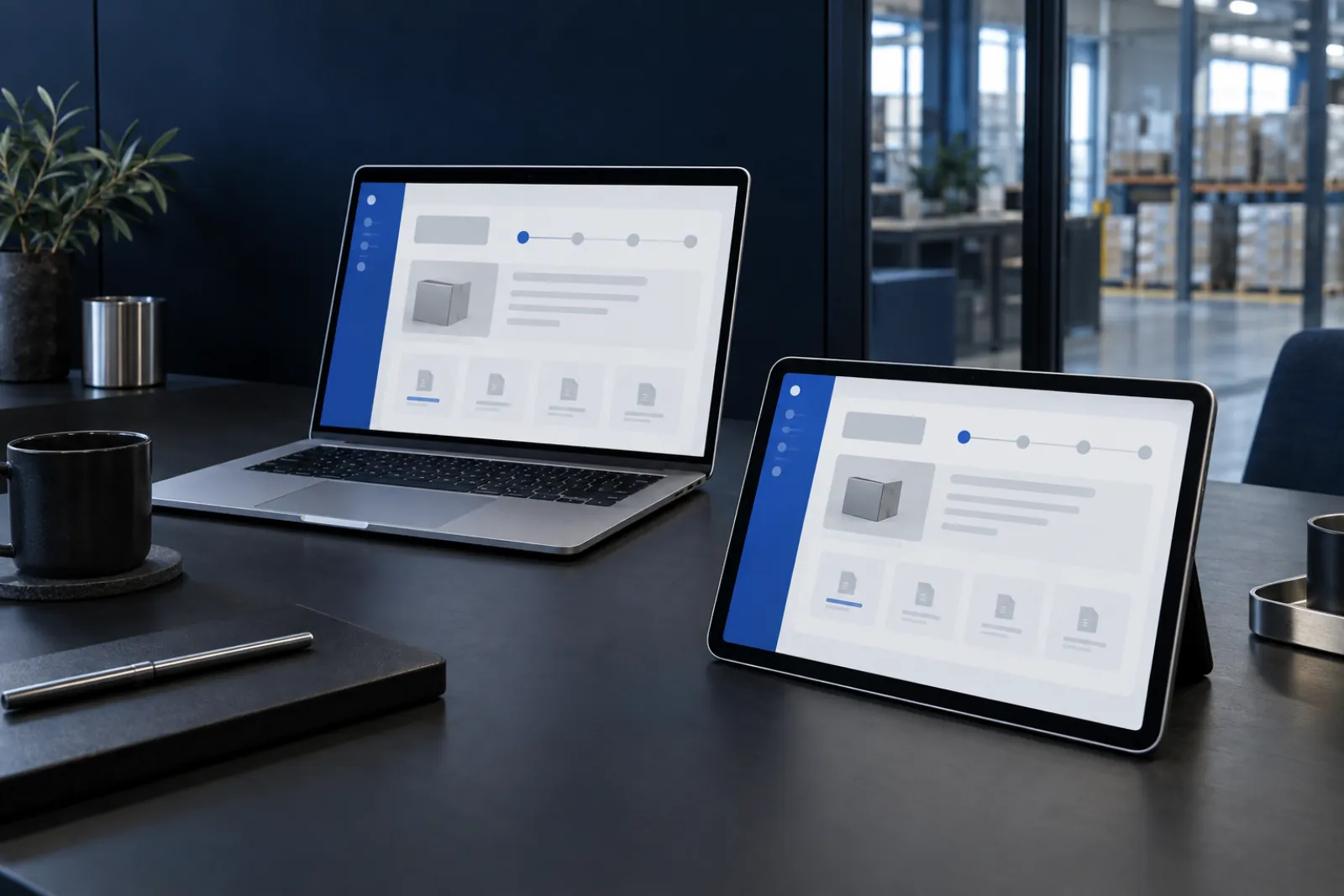
A phone is a different working context, not a smaller computer.
A computer makes it easy to compare many records. On a phone, finding a case quickly, taking a photo or confirming an action may matter more. We adapt the information hierarchy, controls and forms to those situations. We check keyboard operation, messages and visible selection states.
Browser access does not automatically mean offline operation. If the application must work on a factory floor with poor signal, we define a separate scope for local storage, synchronisation and conflict resolution. We take the same approach to scanners, printers and other devices.
A prototype tests the idea before full implementation.
It is worth walking through the most important journey with a future user at the start. Do the labels make sense? Can they find their case? Do they understand the status? This reveals problems that a feature description alone does not show.
- Define who will use the application and in what conditions.
- Identify the user’s three most frequent tasks.
- Prepare examples of data, forms and documents.
- Identify which systems need to supply or receive information.
From the first conversation to launch
User journeys
We describe the main tasks, roles and working context. We select the journey covered by the first useful version.
Interface and logic
We connect screen design with system rules, data and integrations. We verify both successful actions and exceptional situations.
Release and observation
We check the application on the agreed devices. After launch, we organise feedback and the users’ emerging needs.
Questions worth asking
How is a web application different from a website?
A website primarily presents information. An application lets users perform tasks with data: create cases, approve items, search or change statuses. It can include login, roles and separate views for different users.
Will we need an app in the App Store or Google Play?
Not for browser access itself. If device features, notifications or offline work are needed, we assess their availability and limitations. Only then do we decide whether a browser is sufficient.
Can we offer a portal to customers from different businesses?
Yes, provided the organisation structure, permissions and separation of data are designed properly. We also need to establish who invites users, revokes access and manages accounts on the customer’s side.
Can we begin with an application prototype?
Yes. A prototype tests the layout and workflow, but it should not be confused with a finished system. Production data, access controls, integrations and maintenance require their own implementation.